
Login & Account Access
Your Spinobon account is your personal gateway to our full library of games, your balance, your transaction history, your active promotions and your responsible gambling controls. Logging in is the process of authenticating yourself so that only you can access your account and funds. If you do not yet have an account, head over to our registration page to get started.
The Login Process — Step by Step
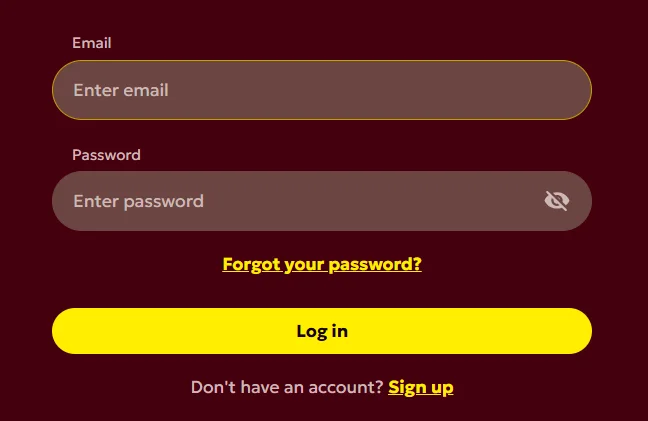
- Select the Login button displayed at the top of any page on our website or in the app.
- Enter the email address or username associated with your account.
- Enter your password, remembering that passwords are case-sensitive.
- Where enabled, complete any two-step verification step by entering the one-time code sent to you or generated by your authentication app.
- Select Log in / Sign in to confirm.
We recommend that you log in from a private, secure device and that you always sign out when you have finished playing, particularly if you are using a shared or public computer. Keeping your session private is one of the simplest and most effective ways of protecting your account.
Keeping Your Login Details Secure
- Keep your password confidential and never disclose it to anyone, including persons claiming to represent Spinobon Casino; our staff will never ask for your full password.
- Enable two-step verification where it is offered, for an additional layer of protection.
- Be alert to phishing messages that imitate Spinobon and attempt to capture your details.
- Always log out on shared or public devices and avoid saving your password in shared browsers.
You are responsible for all activity that takes place under your login credentials. If you believe that your username, password or account has been compromised, change your password immediately and contact our support team without delay so that we can help secure your account.
Resetting a Forgotten Password — Step by Step
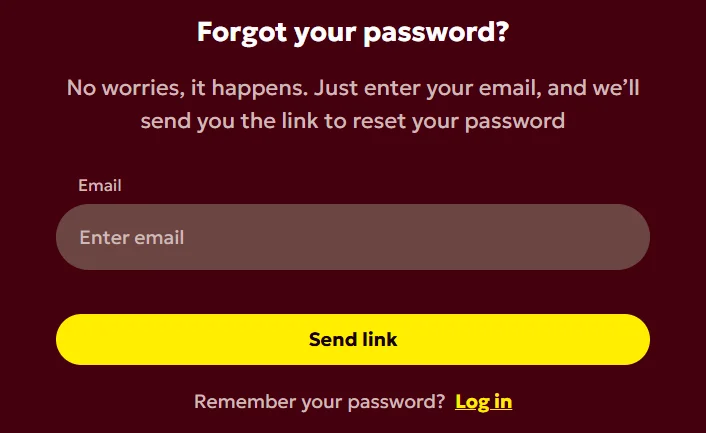
- On the login screen, select the “Forgot password” link.
- Enter the email address registered to your account.
- Check your inbox for our secure reset message, and look in your spam or junk folder if it does not arrive within a few minutes.
- Open the single-use reset link or enter the code provided; note that reset links are valid only for a limited time.
- Create and confirm a new, strong password that you have not used before.
- Return to the login screen and sign in with your new password.
If you are unable to regain access using the self-service reset process — for example because you no longer have access to your registered email address — please contact our support team, who will guide you through the additional identity checks required to restore access safely.
Account Security and Restrictions
To comply with our legal and regulatory obligations, and to protect you and our other players, we may from time to time ask you to verify your identity, age, address or payment methods. We may also temporarily restrict or suspend access to an account where we detect unusual activity, suspected unauthorised access, or a potential breach of our Terms and Conditions. Please also remember that each player is permitted to hold a single Spinobon account.
Trouble Logging In
- Confirm that you are entering the correct email address or username.
- Re-enter your password carefully, remembering that it is case-sensitive.
- Clear your browser cache and cookies, or try a different supported browser.
- Temporarily disable browser extensions that may interfere with the site.
- Ensure your internet connection is stable and that your browser or app is up to date.